Every account.
One fortress.
2FA codes and passwords in a single, encrypted vault. Zero-knowledge architecture. Seamless iCloud sync. Your keys never leave your device.
Everything you need to
stay secure
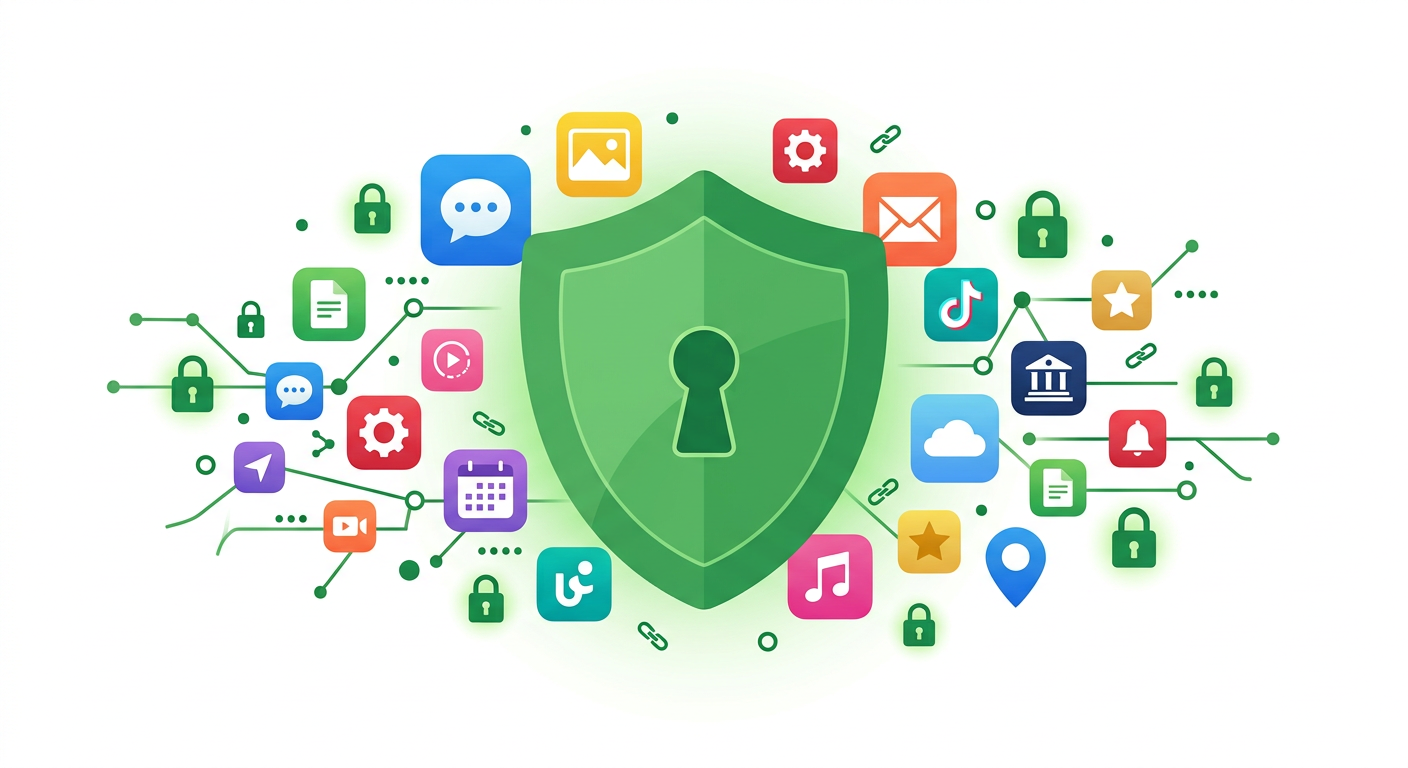
Keyfort combines a 2FA authenticator, password vault, and built-in browser into one powerful, privacy-first app.
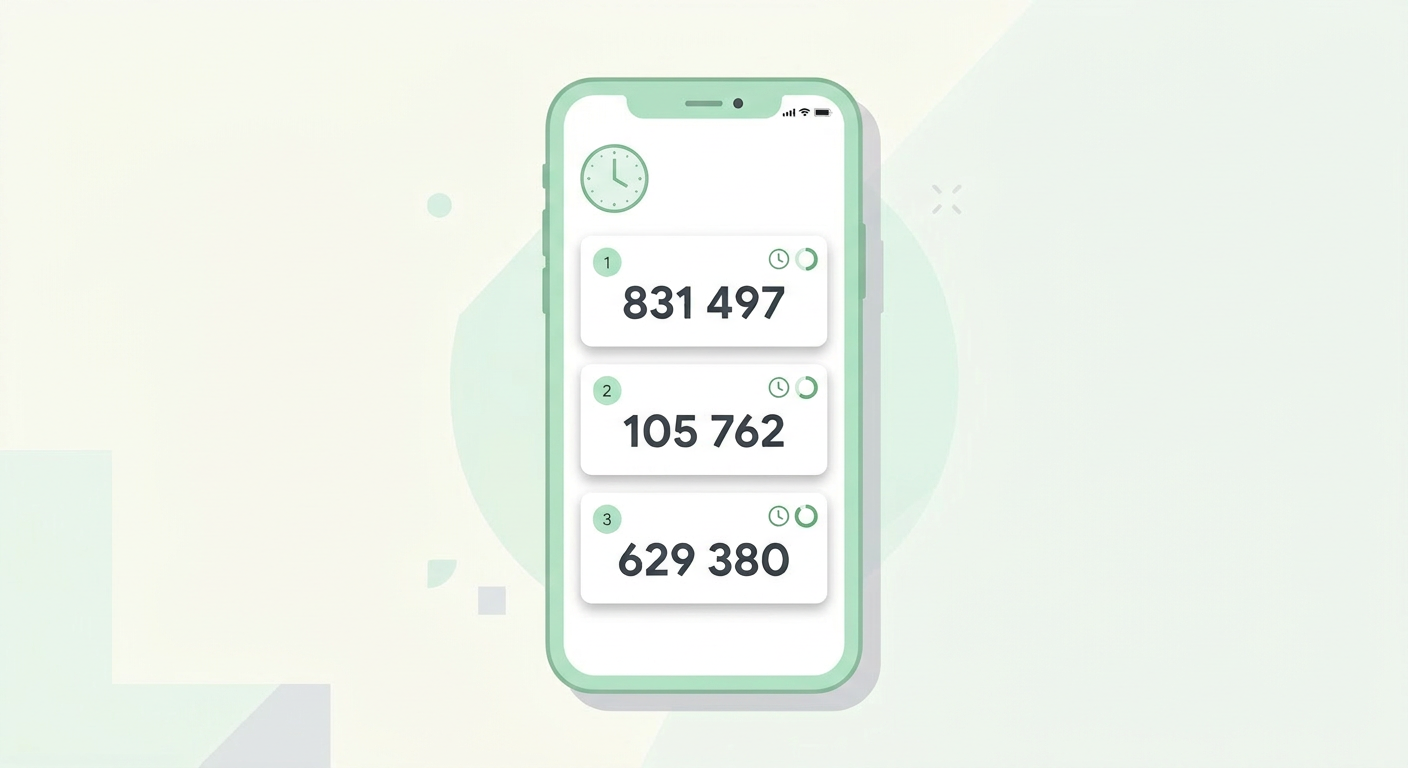
2FA Codes
Generate time-based (TOTP) and counter-based (HOTP) one-time codes. Add via QR code, camera, photo library, or manual entry. Organize with folders.
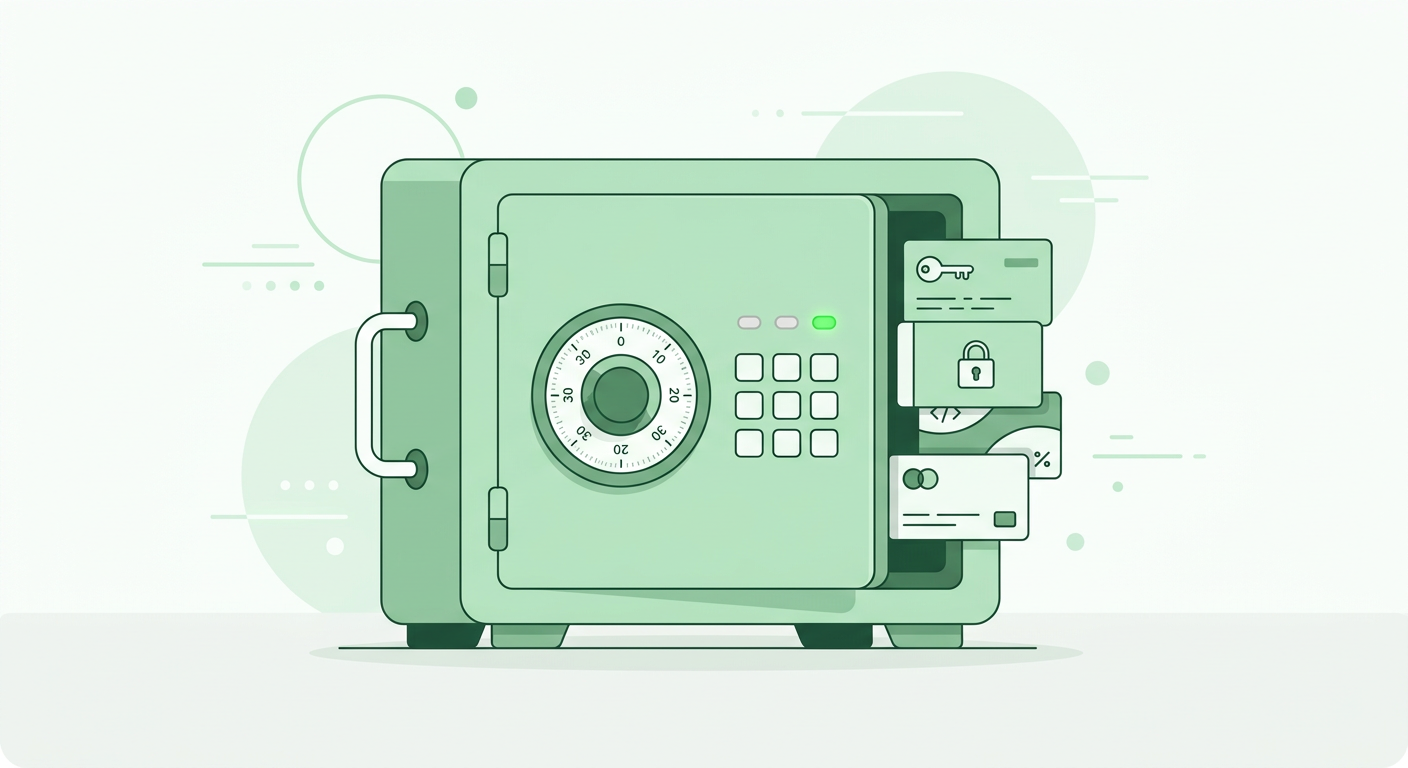
Password Vault
Store logins, passwords, and URLs in an encrypted vault powered by iOS Keychain. Generate strong passwords with the built-in generator.
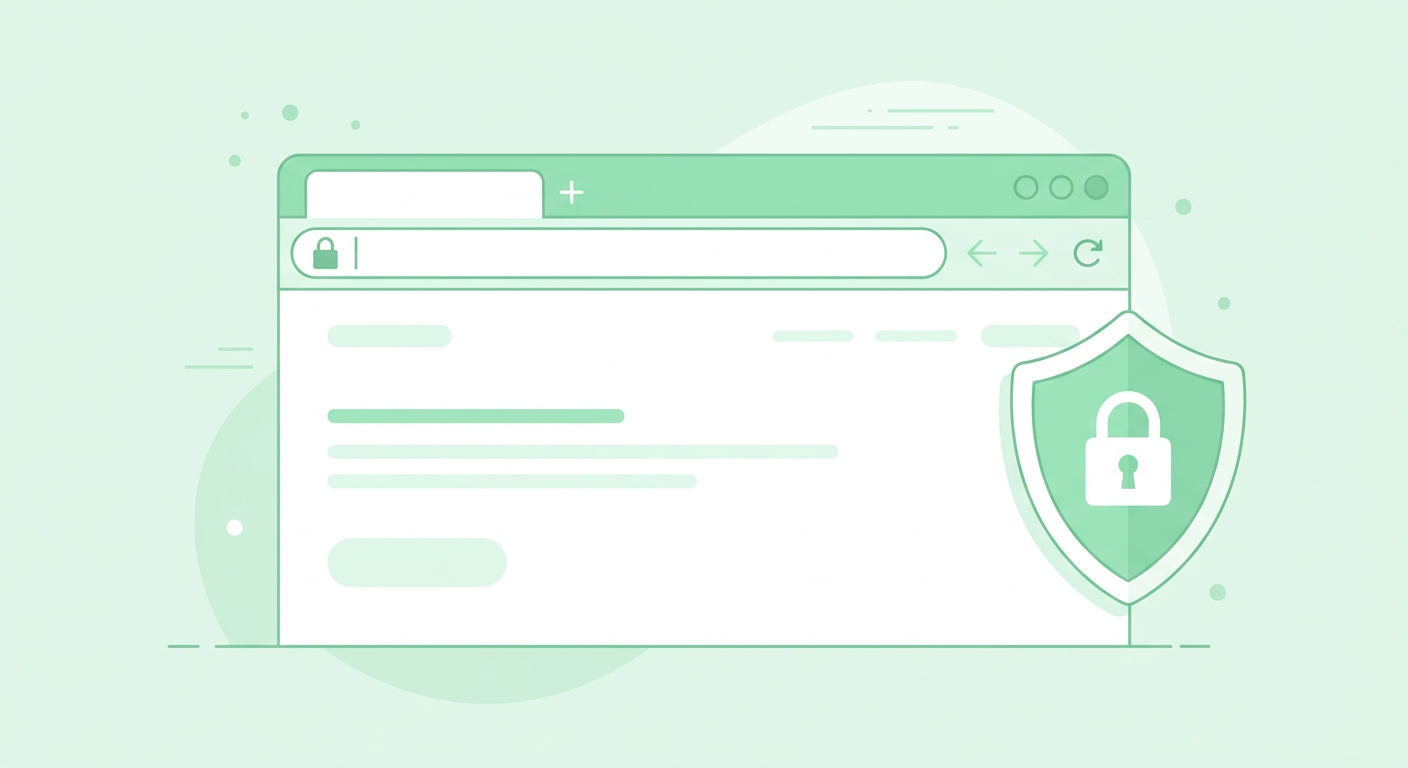
Built-in Browser
Open saved URLs directly inside Keyfort. No need to switch between apps — stay secure in one place.
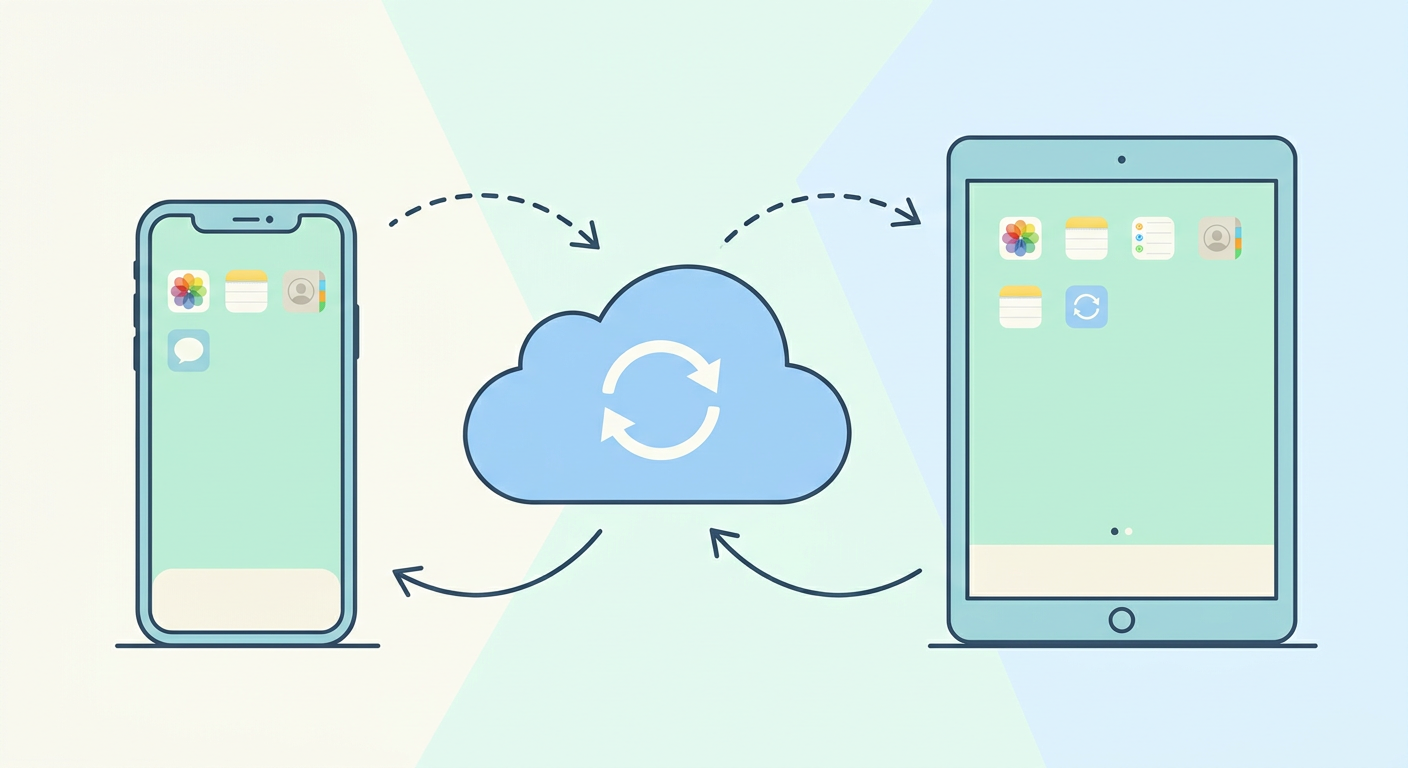
iCloud Sync
Seamlessly sync encrypted data across all your Apple devices via CloudKit. Same Apple ID — same data everywhere.
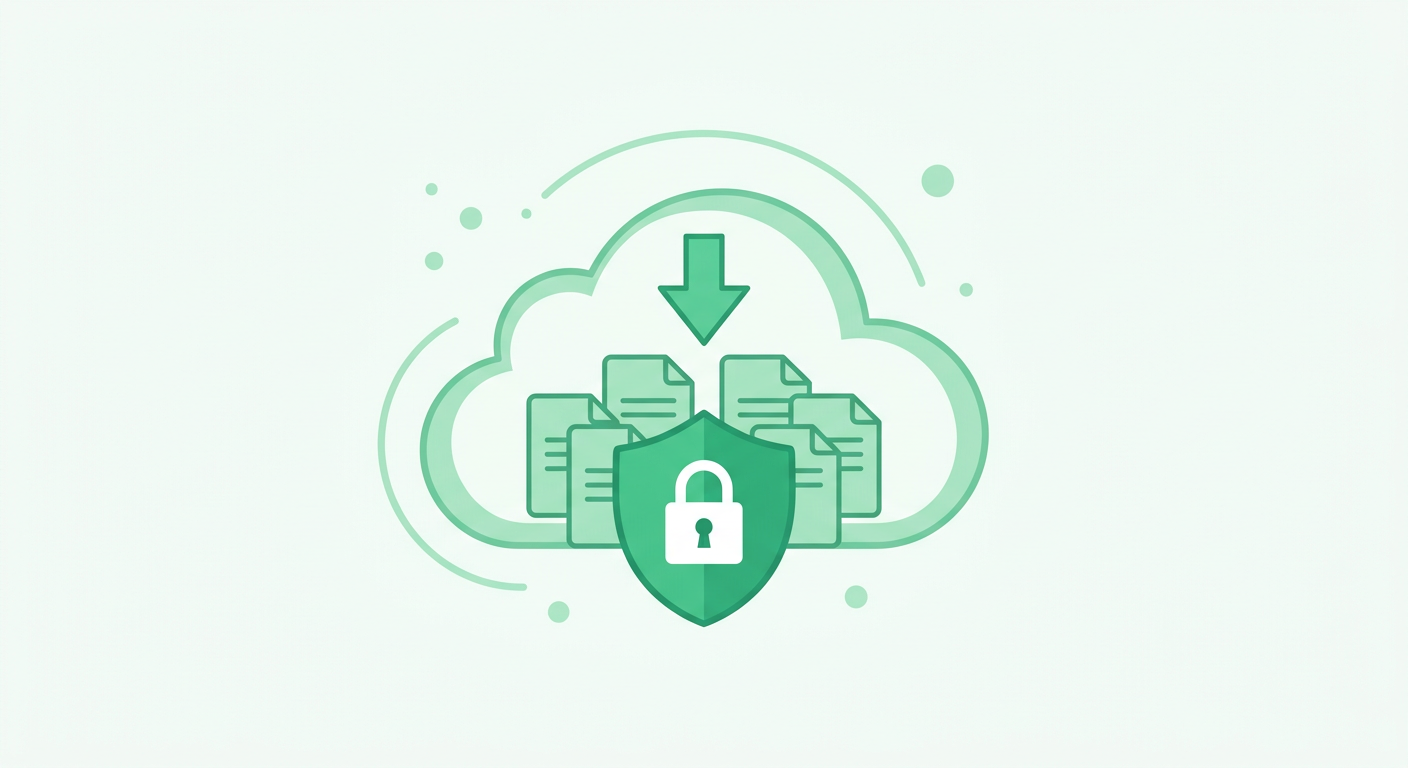
Encrypted Backups
Schedule iCloud backups. Choose what to include — codes, vault, or settings. Restore anytime from backup history.
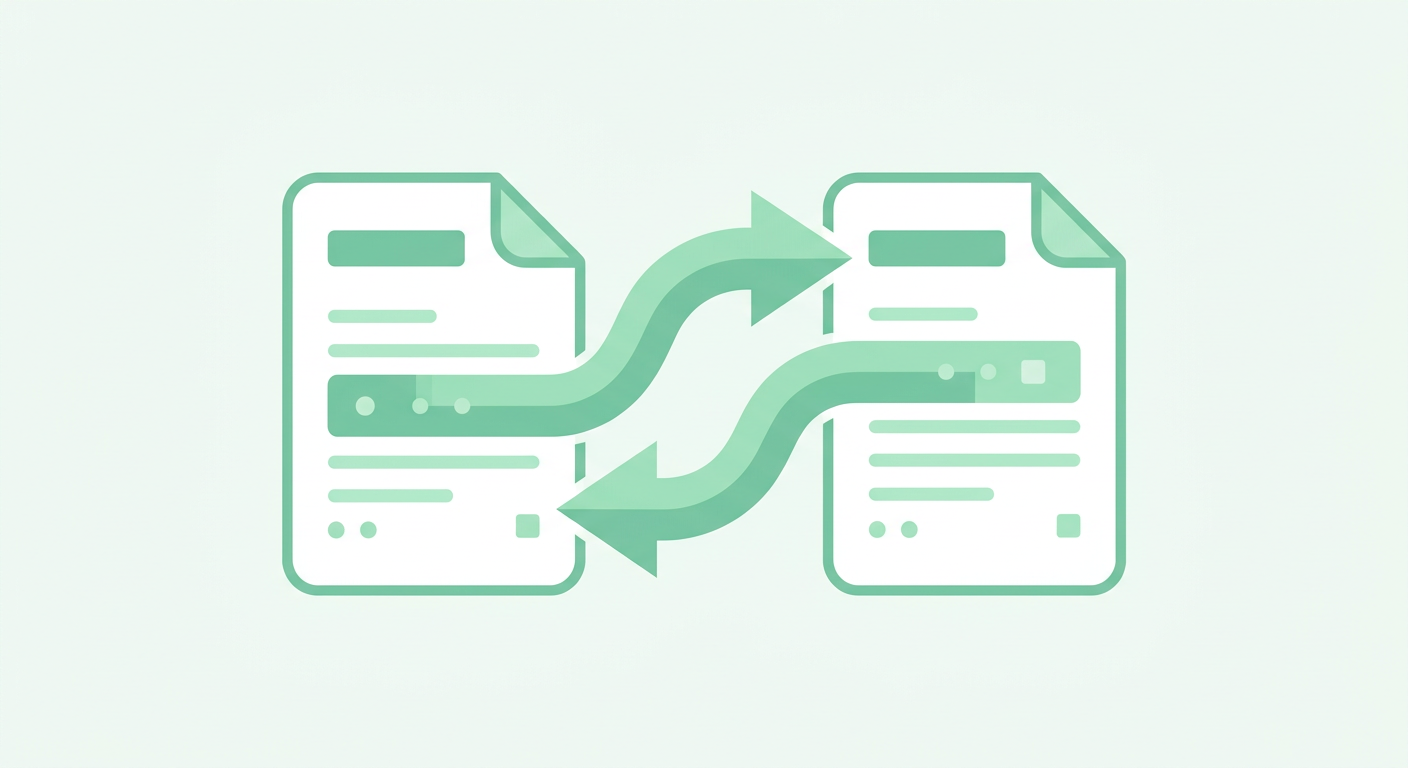
Export & Import
Export your data as a password-protected encrypted file. Import it back on any device whenever you need.
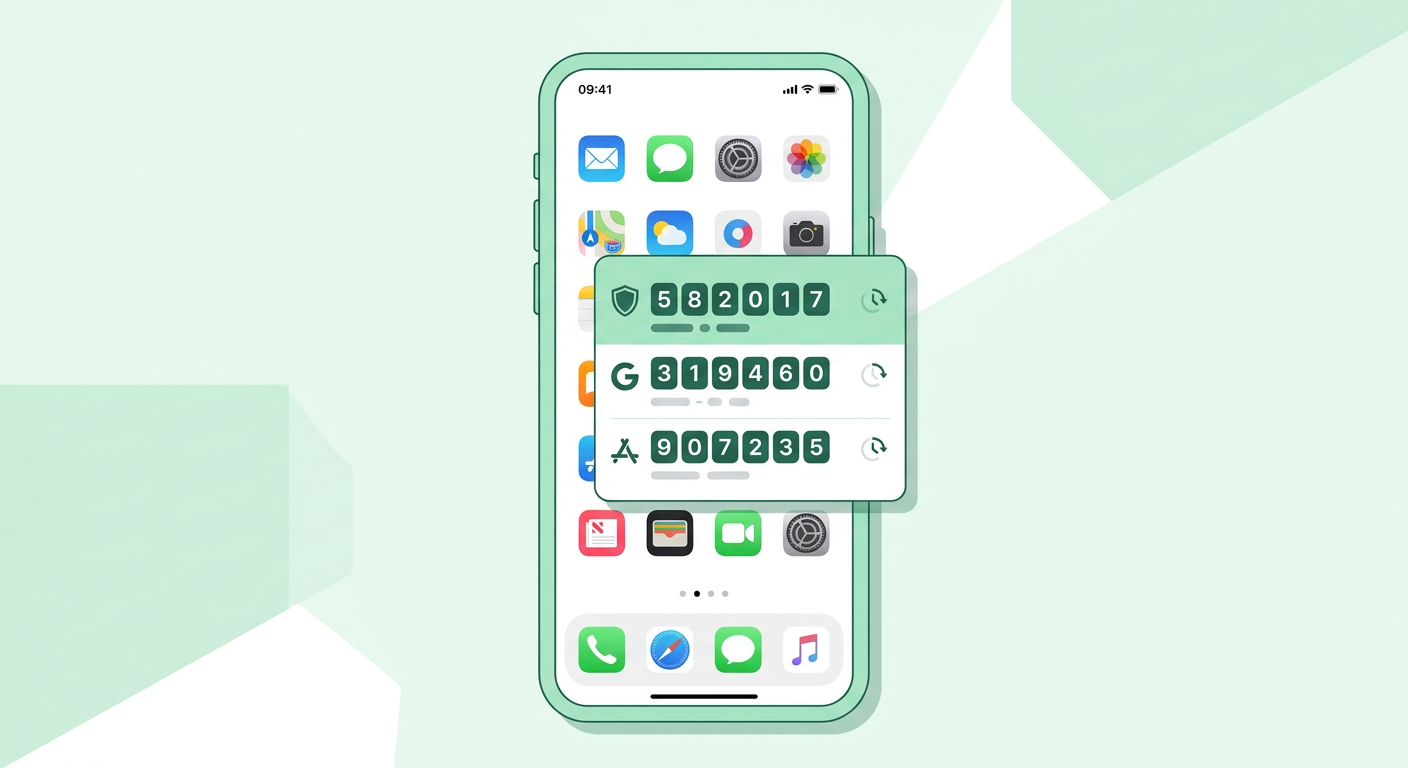
Home Screen Widget
Access your most-used 2FA codes instantly from the home screen without opening the app.

Achievements
Stay motivated with streaks and achievements for using security features daily. Track your progress.
Built with privacy
at its core
Your sensitive data never leaves your device unencrypted. Keyfort uses industry-standard security practices to keep you safe.
App Lock
Require Face ID, Touch ID, or PIN to access the app. Automatically locks when you switch away.
Screen Recording Protection
When screen recording is detected, sensitive data is hidden with a privacy shield.
Breach Detection
Check passwords against known breaches via Have I Been Pwned using k-anonymity. Your password is never sent.
End-to-End Encryption
All data is encrypted on your device before syncing. Only you can access your information.
Get started in seconds
Download & Set Up
Install Keyfort from the App Store and set your PIN or enable biometric authentication.
Add Your Accounts
Scan QR codes for 2FA or save your passwords to the encrypted vault.
Stay Protected
Access codes and passwords securely. Sync across devices with iCloud.
Frequently asked questions
Is Keyfort free to use?
Keyfort offers core functionality for free. Some premium features may require a subscription, which can be managed through the App Store. You can restore purchases at any time in the app settings.
How do I add a 2FA account?
Tap the "+" button in the Codes tab. You can scan a QR code with your camera, select a QR code from your photo library, or enter the secret key manually.
Is my data stored securely?
Yes. Passwords are stored in the iOS Keychain, and all synced data is encrypted on your device before being uploaded to iCloud via CloudKit. Your data is never stored on our servers.
How does iCloud Sync work?
Keyfort syncs encrypted data between your Apple devices using the same Apple ID. The sync happens automatically via CloudKit. Data is encrypted on-device before upload.
How do I back up my data?
Go to Settings > iCloud Backup to enable automatic encrypted backups. You can also export your data as a password-protected file via Settings > Export Data.
Can I check if my passwords have been compromised?
Yes. Keyfort checks your passwords against the Have I Been Pwned database using k-anonymity, meaning your full password is never transmitted. Only a partial hash is sent to verify safety.
What happens if I lose my device?
If you have iCloud Sync or iCloud Backup enabled, you can restore your data on a new device by signing in with the same Apple ID. You can also import a previously exported encrypted backup file.
How do I cancel my subscription?
Subscriptions are managed through the App Store. Go to iPhone Settings > Apple ID > Subscriptions to view and manage your Keyfort subscription.
How do I delete my account and data?
You can delete all your data directly within the app. Go to Settings > Data > Delete All Data. This will permanently remove all stored codes, passwords, and backups from your device and iCloud.
Need help?
We're here to assist you. Reach out and we'll get back to you as soon as possible.
Email Support
Send us an email with your question or issue. Include your Support ID from the app for faster assistance.
[email protected]In-App Support
Tap Settings > Support in the app to send a message with your Support ID, app version, iOS version, and device model automatically attached.
Protect your accounts today
Download Keyfort and take control of your digital security.
Download on the App Store